
Stay Connected With Your Health
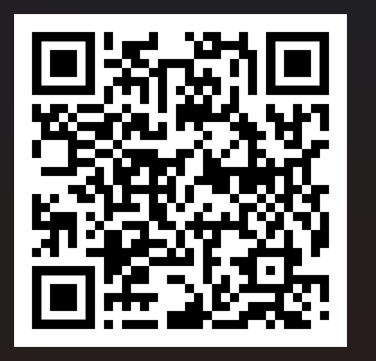
Scan the QR code below with your phone’s camera to access your AdvancedMD Patient Portal.
Through the portal, you can:
- Send secure messages to your provider
- View and request upcoming appointments
- Check recent lab and test results
- View statements and pay your bill securely
Set Up Your Secure Account
Follow these four simple steps to set up your secure AdvancedMD Patient Portal account:
- Visit the Portal: Go to our login page by scanning our office QR code or visiting our website link (Click Here!)
- Click Register: Locate and click the Register button found directly under the “Don’t have an account?” section.
-
Enter Your Details: Fill in your First Name, Last Name, and Email Address.
⚠ Important: This personal information must exactly match the records you provided to our front desk team.
-
Confirm Your Email: Open your email inbox and look for a message with the subject line “Patient Portal Account Notification.”
Click the confirmation link inside that email to set up your password and complete your registration.